start building button at the bottom of the screen.


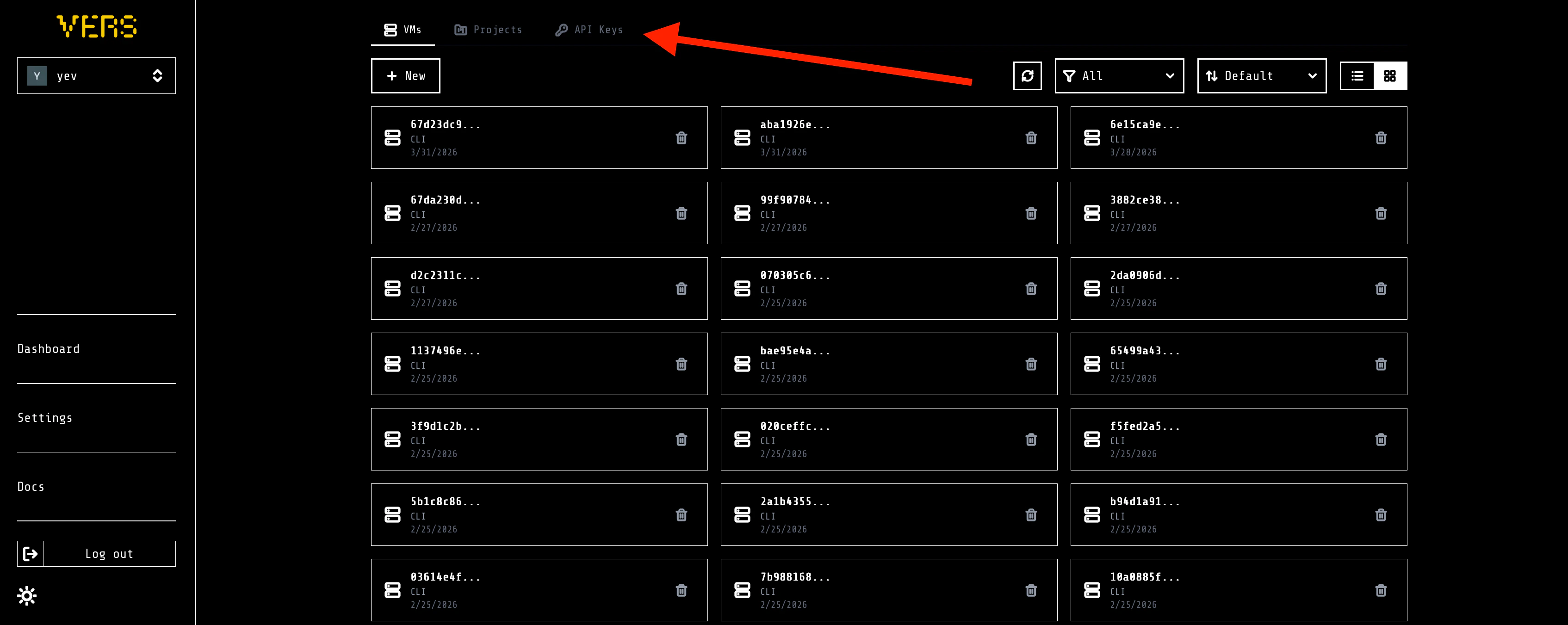
API Keys tab.
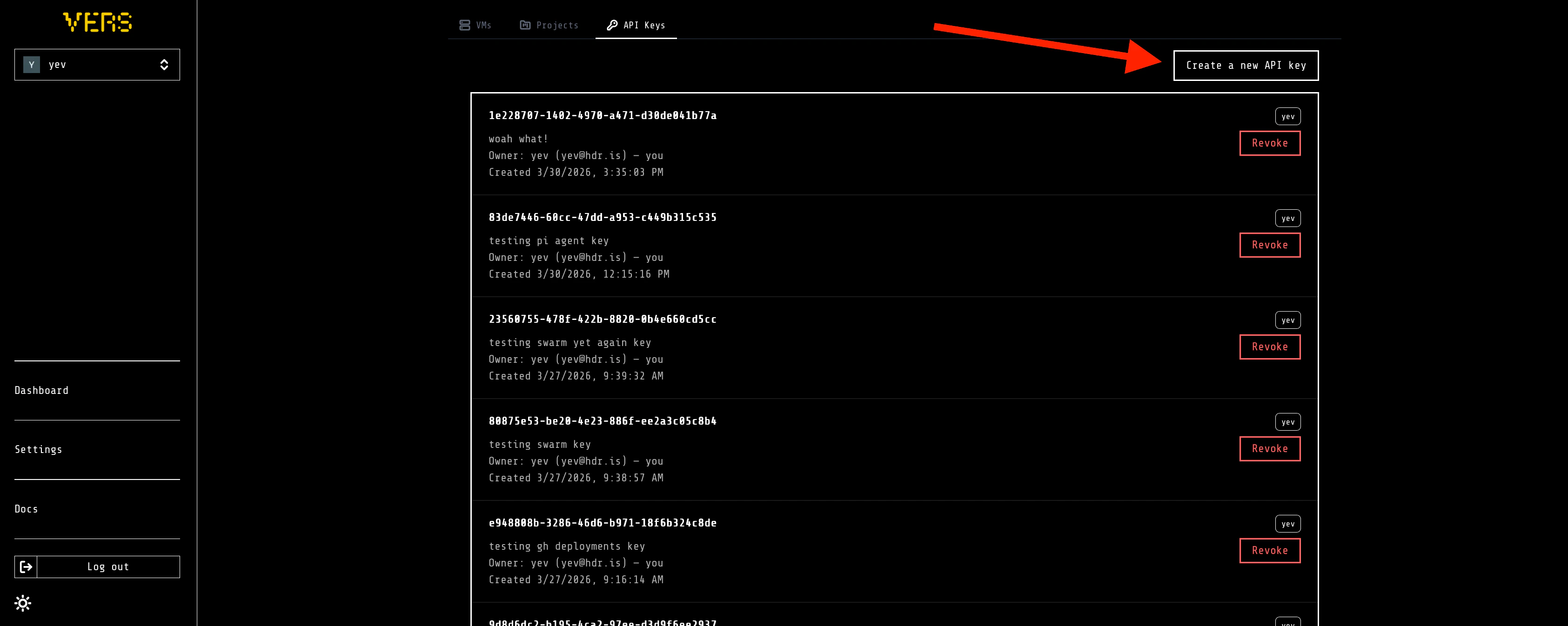
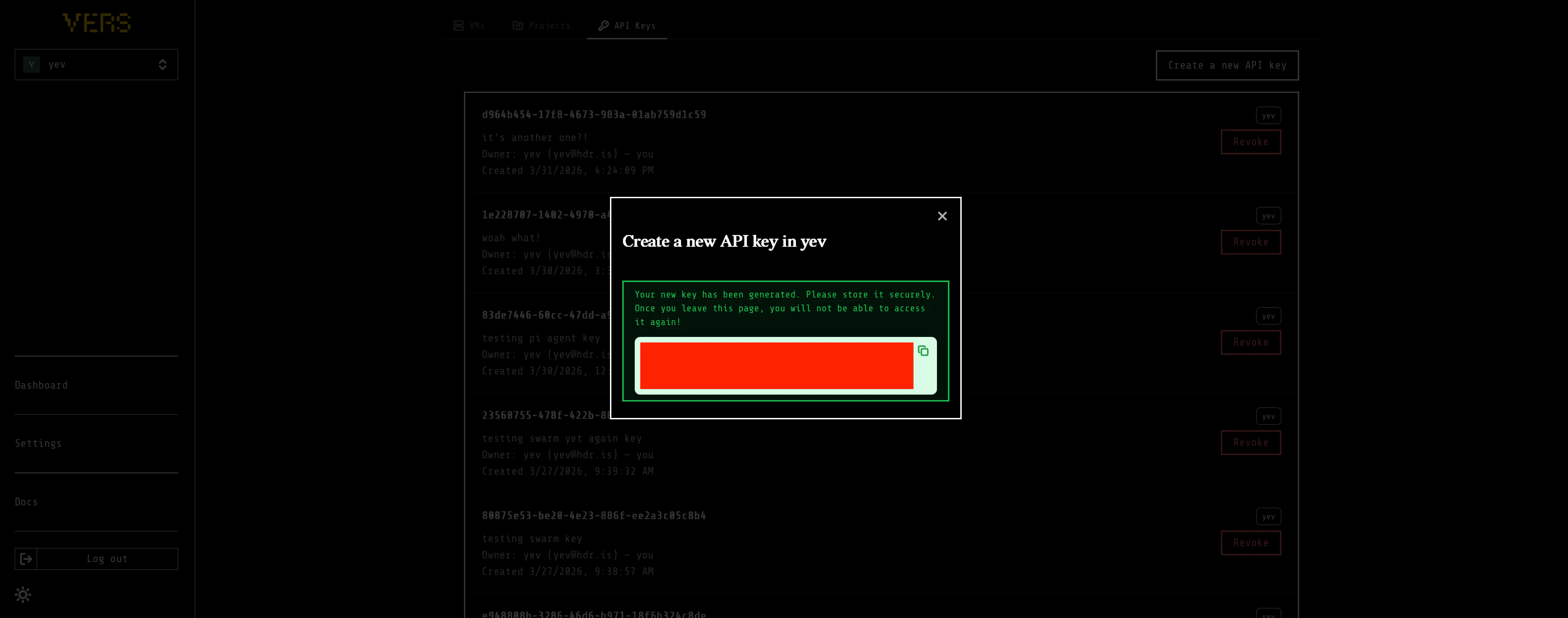
Create a new API key and give a name for your new API key.
Creating an account and an API key from the dashboard
start building button at the bottom of the screen.
API Keys tab.
Create a new API key and give a name for your new API key.