> ## Documentation Index
> Fetch the complete documentation index at: https://docs.vers.sh/llms.txt
> Use this file to discover all available pages before exploring further.
# Get your API key
> Create an account and mint an API key from the Vers dashboard.
Before using `vers login`, you need an API key. Here's the click-through from the Vers website.
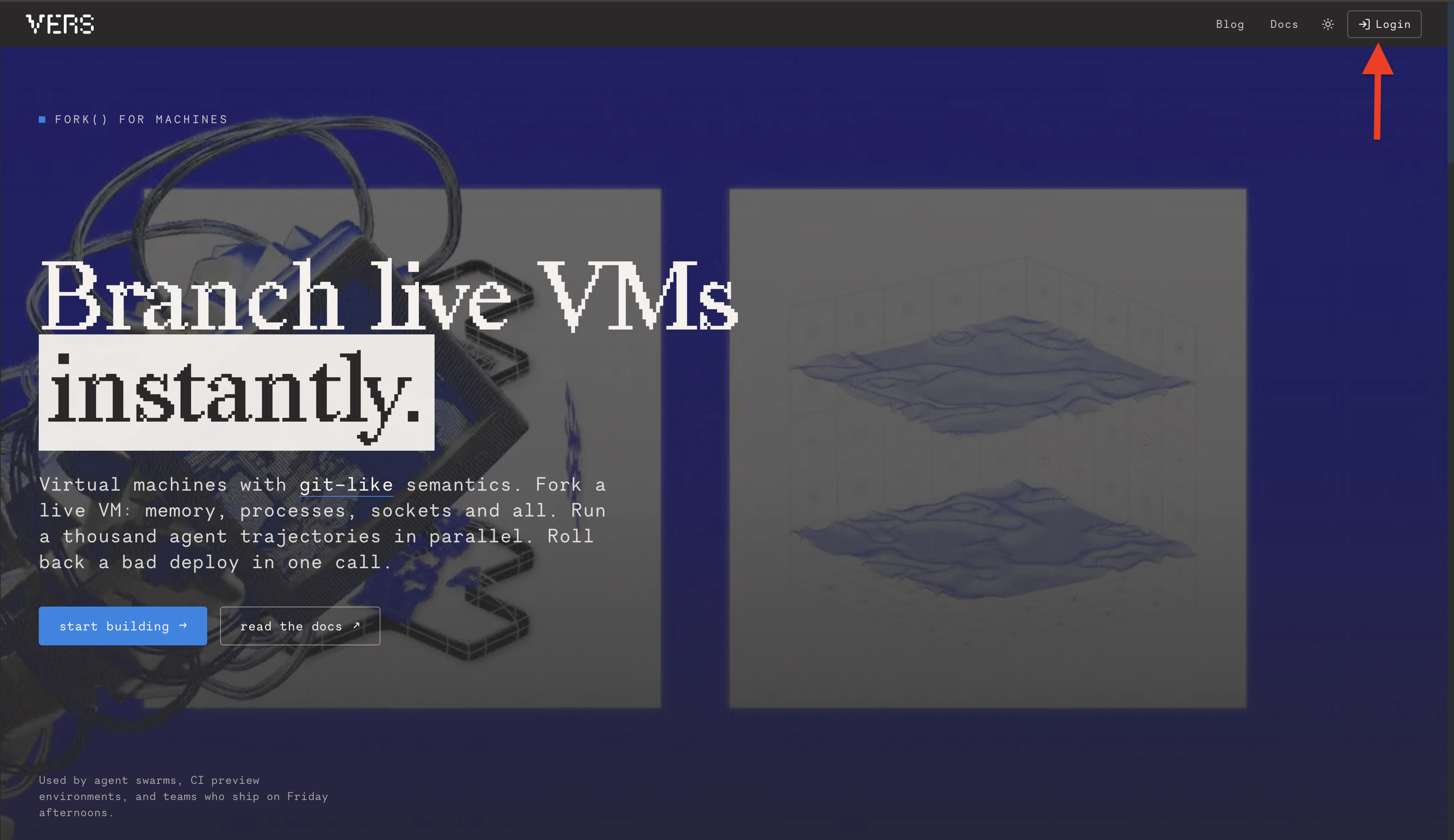
First, go over to [https://vers.sh](https://vers.sh) and click on the `start building` button or `login` button in the navigation bar.
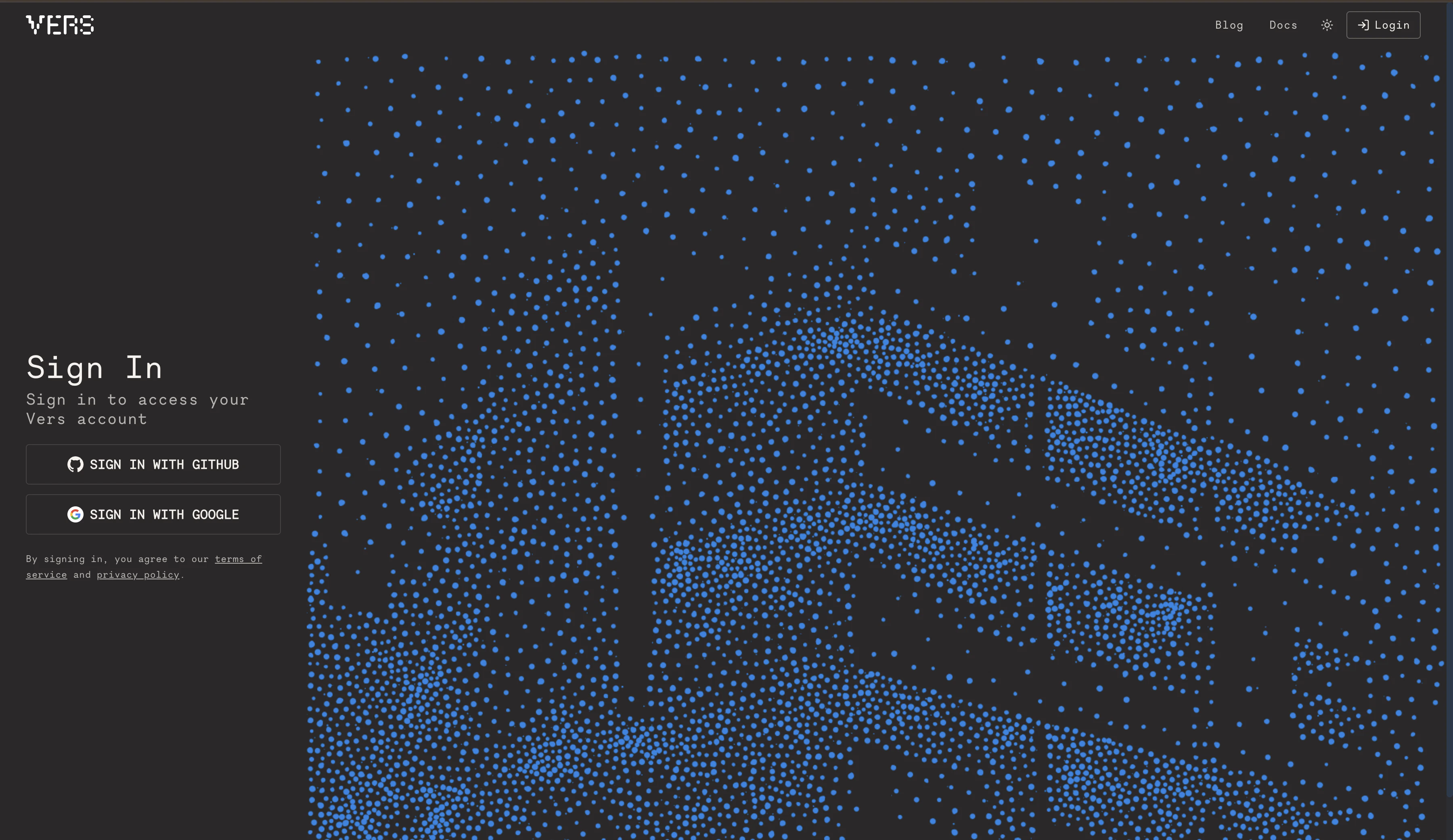
 Sign up with your preferred method; at the time of writing this GitHub, Google, and email are all supported.
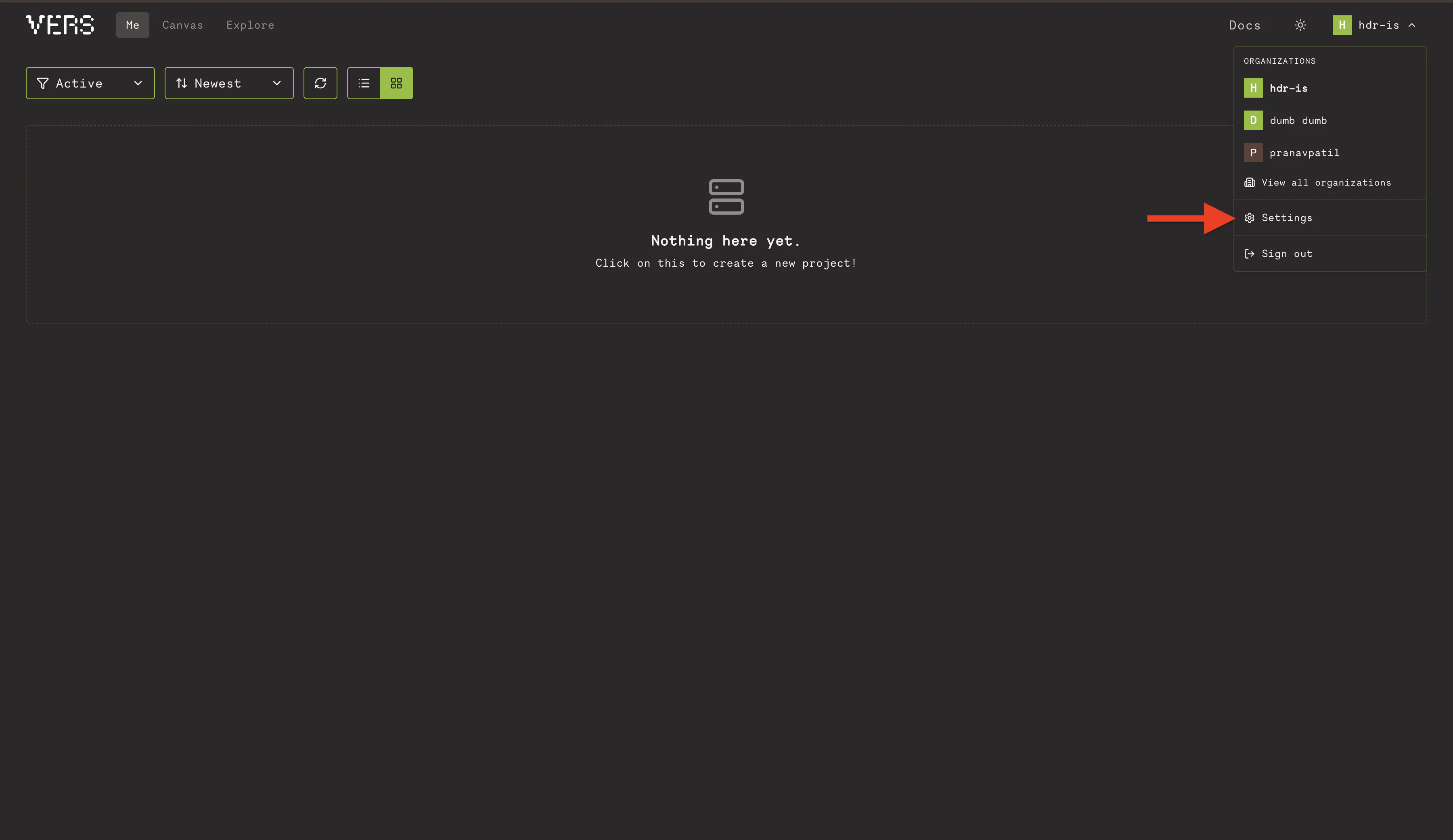
 After you're in (pick your organization if asked) click on the dropdown on the top right side of the dashboard and go to `settings`.
 Click on `API Keys` tab and `Create a new API key` and give a name for your new API key.
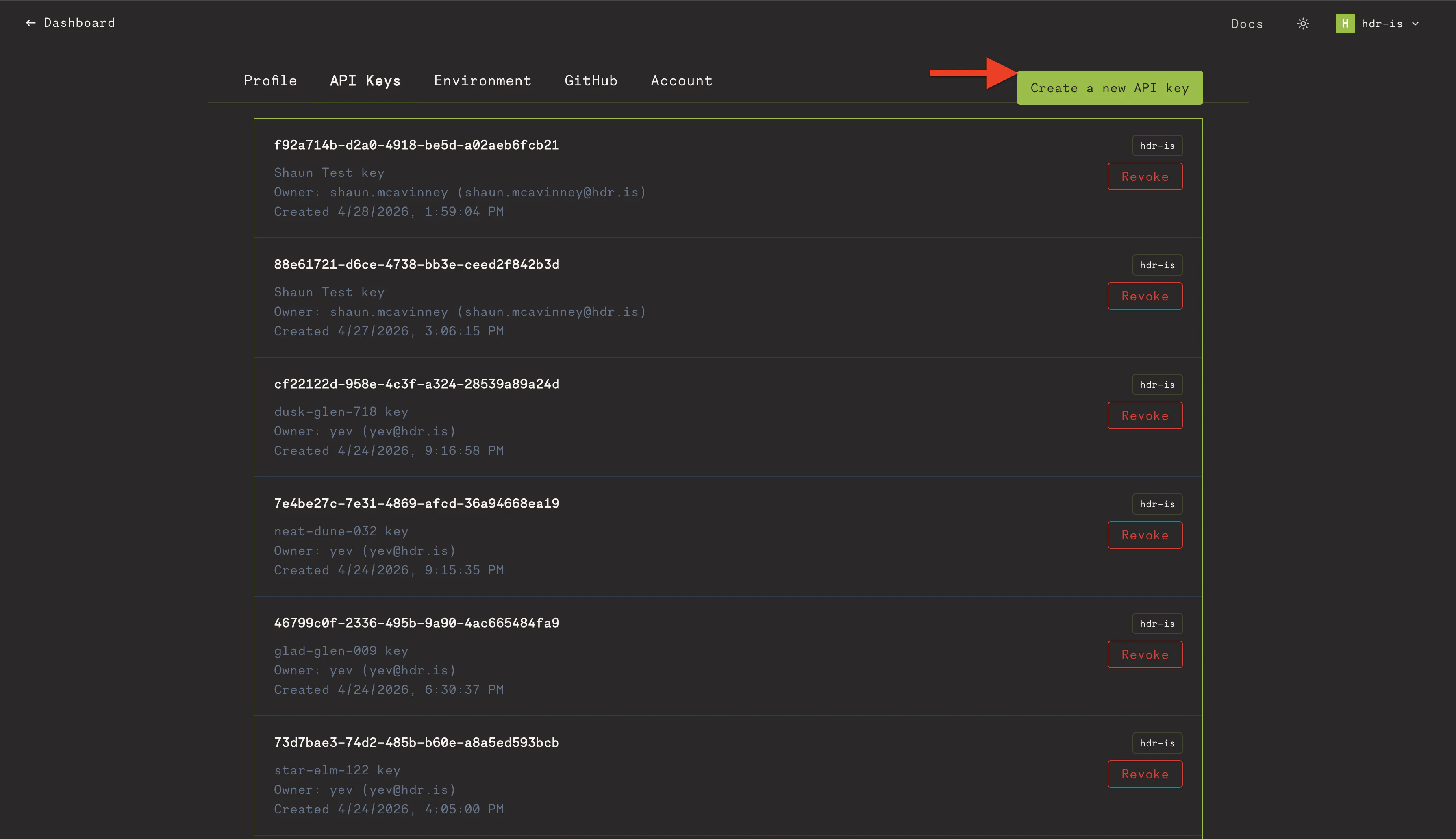 Once it's created, copy down the value somewhere you won't lose as it will be important for the next step which is [setting up the CLI](quickstart).