> ## Documentation Index
> Fetch the complete documentation index at: https://docs.vers.sh/llms.txt
> Use this file to discover all available pages before exploring further.
# Static Web App (GitHub Import)
> Deploy a static web app to a Vers VM using GitHub import
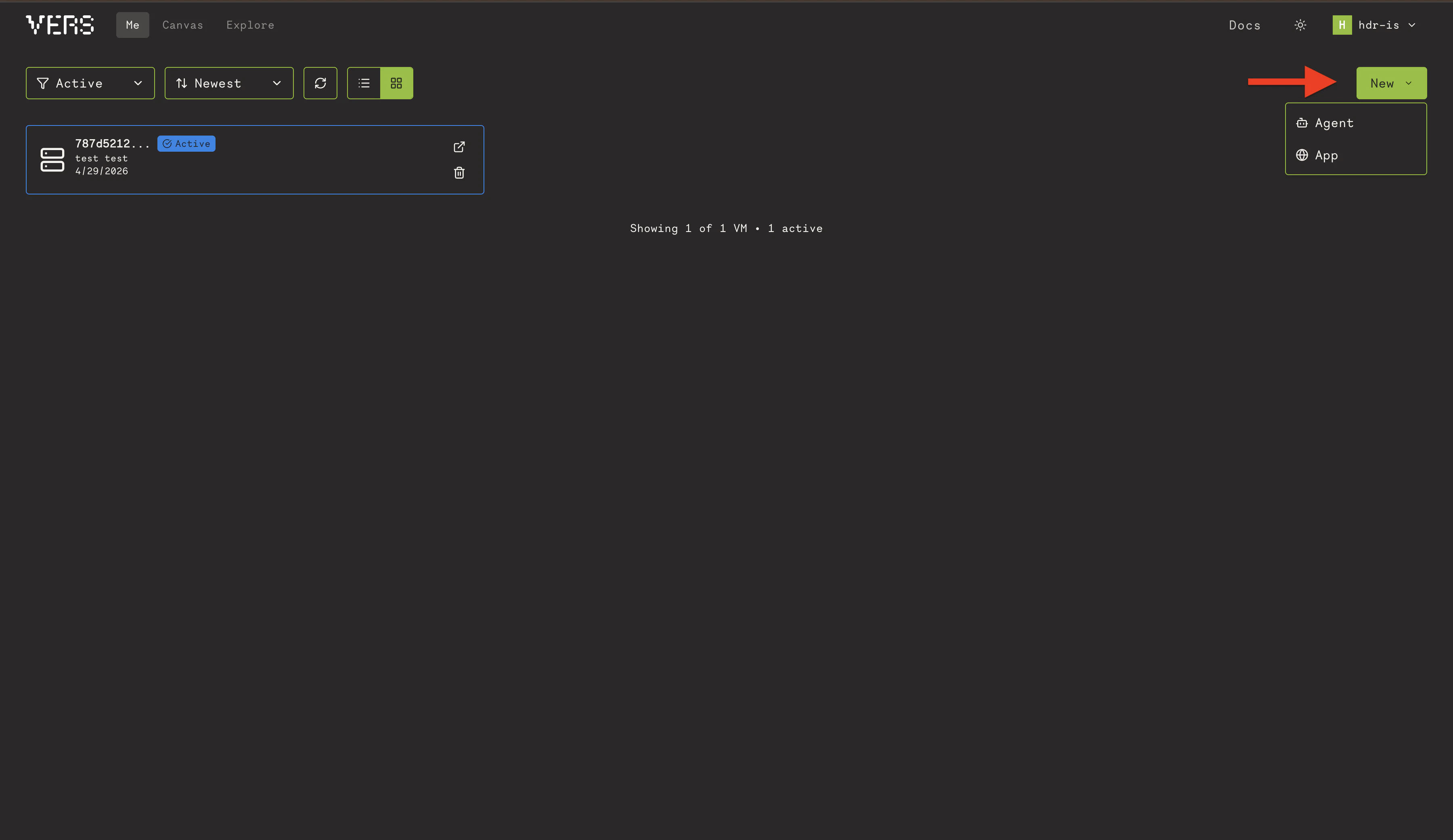
From the dashboard, click on the **New** button, then click **App**.
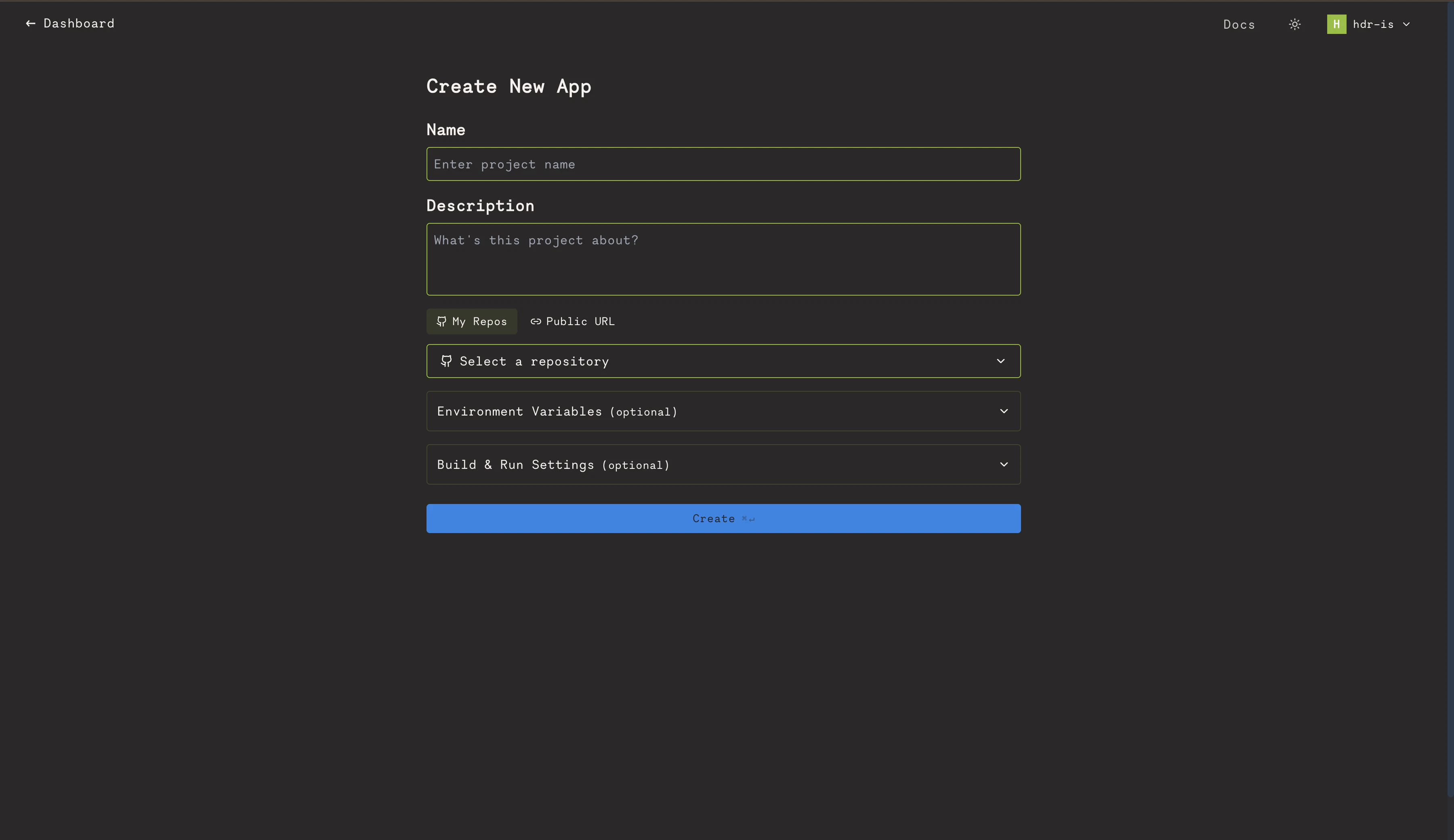
 Give your project a name, select **GitHub** as the source, pick your repo, and click **Create**.
 Once the VM is created, you'll see it on the dashboard with an **Active** status. Click the open link icon to view it in your browser.
